Comebacks
Decoding comeback teasers, one image at a time
By the pocabase team · · 4 min read

In the weeks before a comeback (CB, for short), teasers drop almost every day. People watch them for fun, to guess the concept of the new era (the visual and musical world of a comeback) or to admire a photo. But each one also holds very concrete clues about the object that will be sold: how many versions, which format, what contents. Reading a teaser like a collector means looking for those clues without over-reading them, and knowing when they are enough to decide.
The teaser scheduler is already a clue
The first image of a campaign is often a scheduler: a poster listing, date by date, the content to come. People read it as a programme, yet it already says a lot. The number of days given to concept photos, a preview of the physical album, a highlight medley on the list: all of these announce the shape of the campaign, and sometimes the shape of the product.
A scheduler that plans several photo sets under different names often hints at several versions, each tied to a visual concept. It is not a rule: some sets match no edition at all, and versions sometimes appear without a dedicated set. Note the clue, do not treat it as an announcement.
Concept photos: count the concepts, not the outfits
Concept photos are the most watched step and the most misleading one. Their first job is to set a mood, and a single set can pile up backdrops without any of them becoming a version. What matters is the name given to each set, when there is one: it often matches the name you will later see on a cover.
Individual photos give a different kind of information from full-group shots (the OT5, OT7… photos, depending on member count). When each member gets their own set, part of the photocards or covers often reuse those images. It is a good moment to spot which photo of your bias might end up as a poca, the one you hope to pull, without buying anything yet, since the exact card split is still unknown at that stage.


The tracklist: more than a list of songs
The tracklist first tells you about the format. A short list points to a mini album or a single, a long one to a full album, often with a thicker photobook and more versions. A b-side (any track other than the title track) reserved for the CD or for one edition signals that not every version will carry exactly the same music.
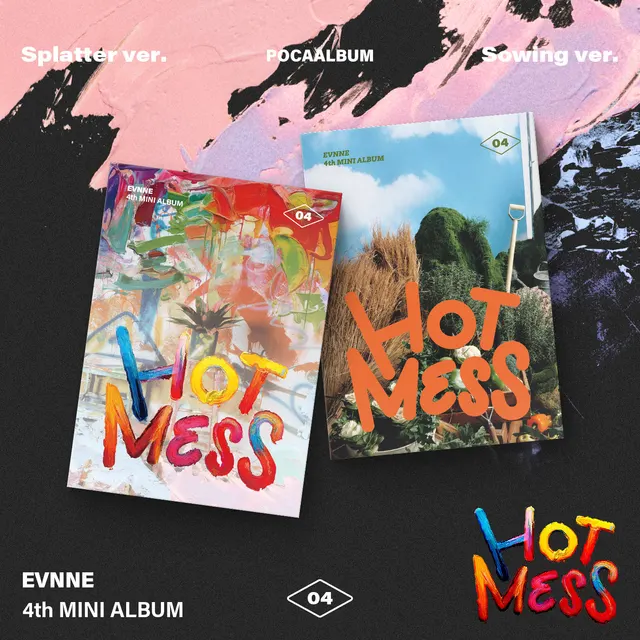
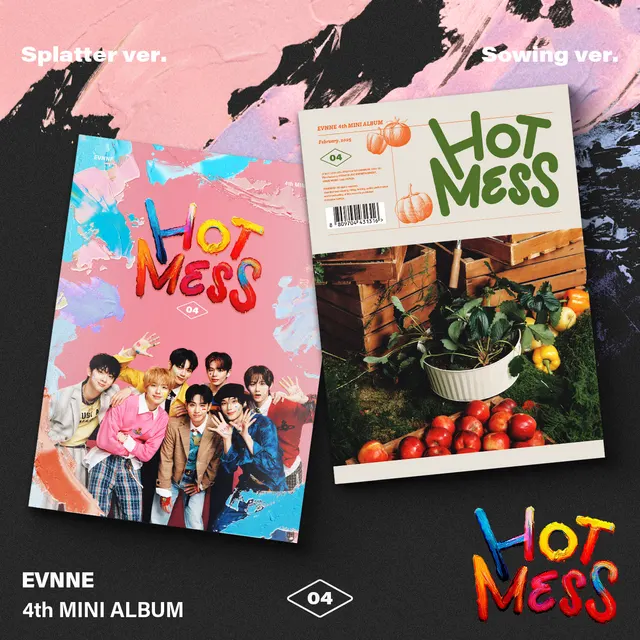
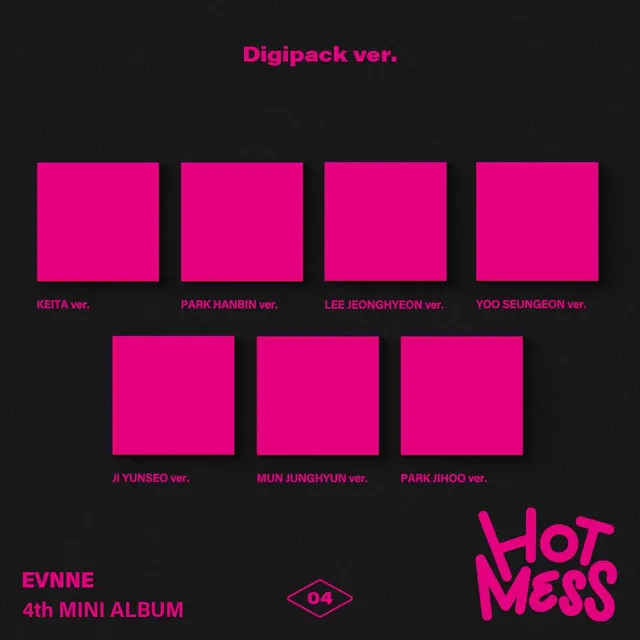
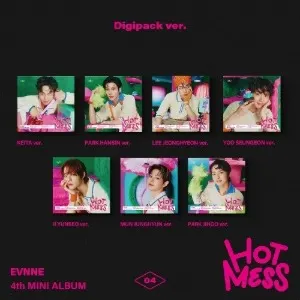
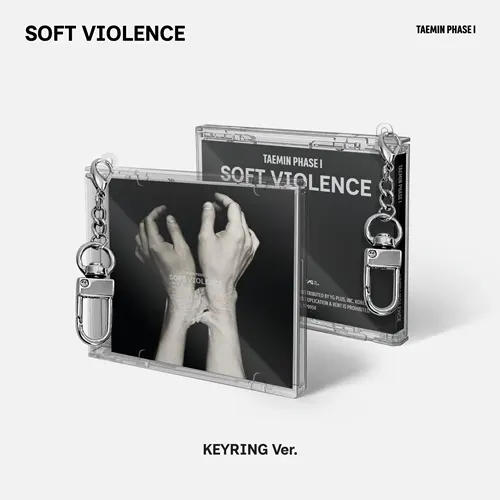
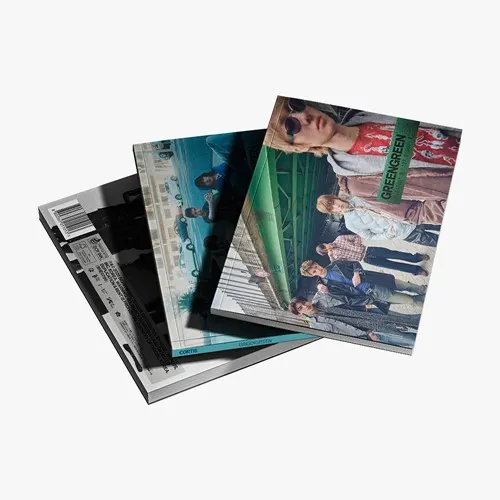
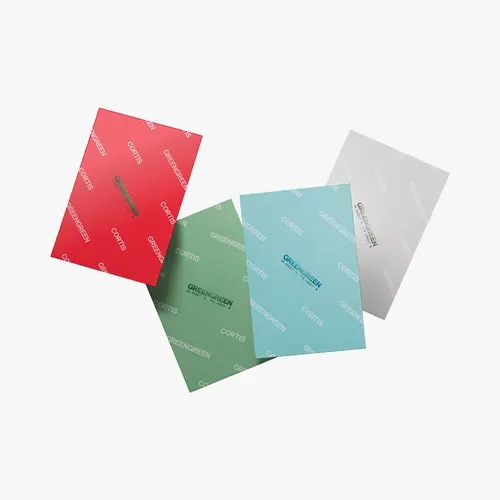
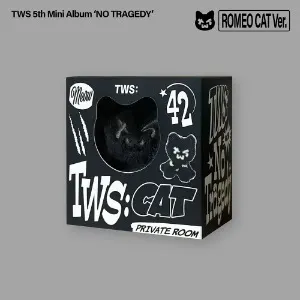
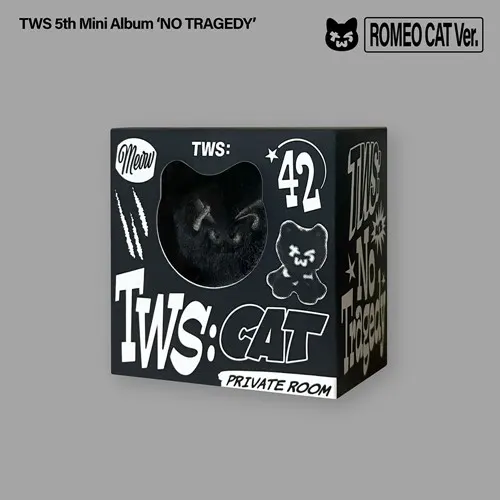
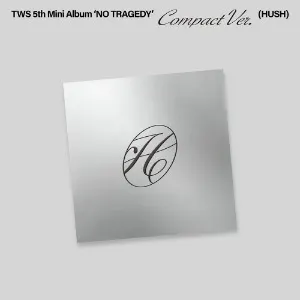
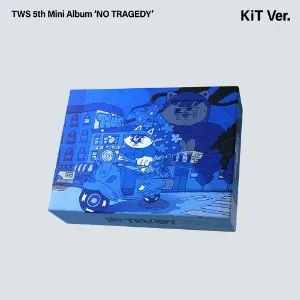
A packaging preview also often lands around the tracklist: an image showing the boxes, the covers and sometimes the list of inclusions for each version. For a buyer, this is the most useful teaser of all. It is what lets you compare versions on what they contain, rather than on a mood photo.
The highlight medley: listen before choosing
The highlight medley strings together a few seconds of every track on the album. For a collector, its value is simple: it tells you whether you really like the album beyond the title track, before the release makes the question more pressing.
A medley sometimes reveals a collaboration, a solo track or an older song re-recorded. Those surprises do not affect the versions, but they can change whether you want the full album or are happy with the title track on streaming.

The MV teaser: the last signal
The music video teaser usually arrives in the very last days, when most of the campaign is already known. It says a lot about the title track and almost nothing about the physical object. By then, versions are published, contents are detailed, and the preorder window is often well under way.
Waiting for the MV teaser to decide means deciding on the music, which is fair, but accepting that some preorder perks may already be gone. If a POB or a limited edition matters to you, the packaging preview, not the video, should be your signal.
When to preorder, teaser by teaser
Preorders often open early in the campaign, sometimes before every visual is out. Rather than reacting to the buzz around each new image, it is simpler to tie one decision to each type of teaser.
This grid does not replace reading the product page, which remains the only reliable source on what a version really contains. It just keeps you from paying on the strength of a photo that described nothing.
Key takeaways
- Scheduler: note the dates, especially the one for the packaging preview.
- Concept photos: spot the set names and the member you care about, without buying.
- Tracklist and packaging preview: compare versions on their contents, then preorder the one that suits you.
- Highlight medley and MV teaser: confirm you want it, or let it pass and buy after release.